[
Project
]
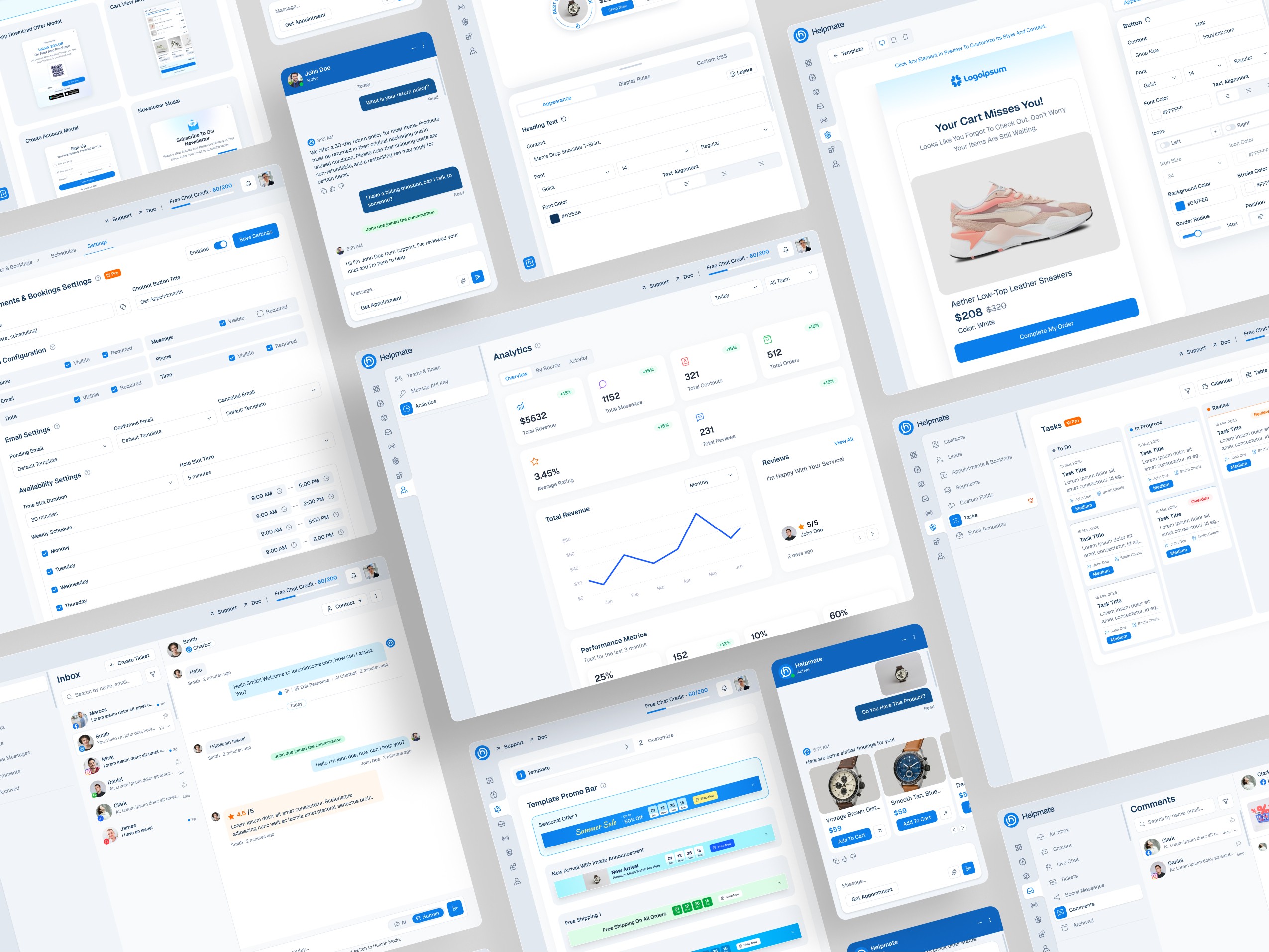
Live, Social & AI Chat with Built-in CRM: A unified platform for customer communication, automation, and e-commerce growth, built natively for WordPress.
Client
RhapsodyWeb
Category
AI Support Automation
Role
UI/UX Designer
Timeline
2025 - Ongoing
[
The Problem
]
Too many tools, not enough signal
Businesses juggle support, CRM, automation, marketing and chat across disconnected systems — creating slow workflows and missed revenue.
Slow response times
Teams burn hours switching between systems just to answer one question.
Fragmented tools
Customer data is scattered across CRMs, inboxes, helpdesks, and email marketing.
Inconsistent support
The experience changes depending on which channel a customer uses.
Lost revenue
Delayed engagement quietly leaks conversions every single day.
[
The final product
]
One unified system
Inbox

Comment management


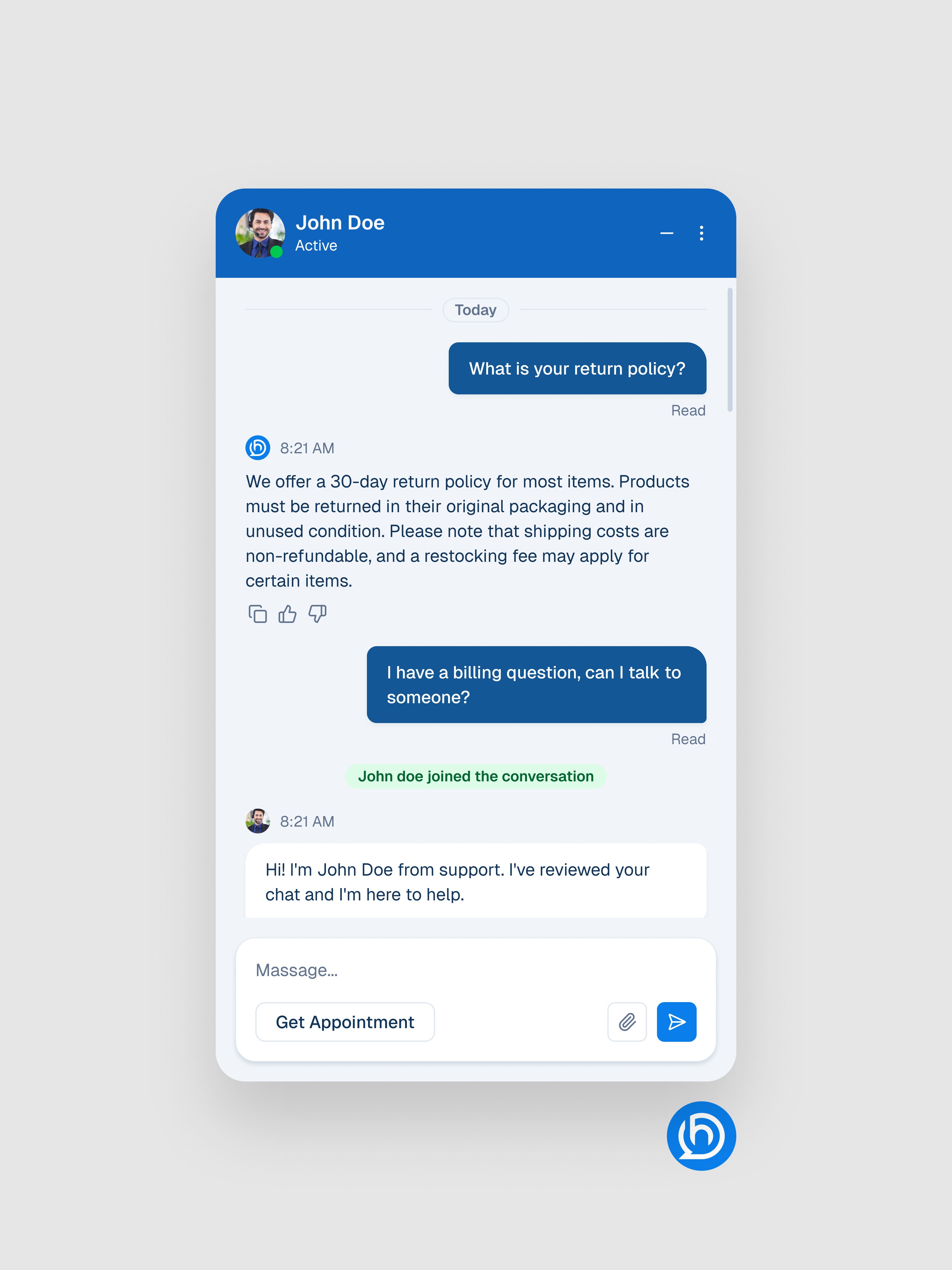
Chatbot
Product Search by image

Template Visual Editor

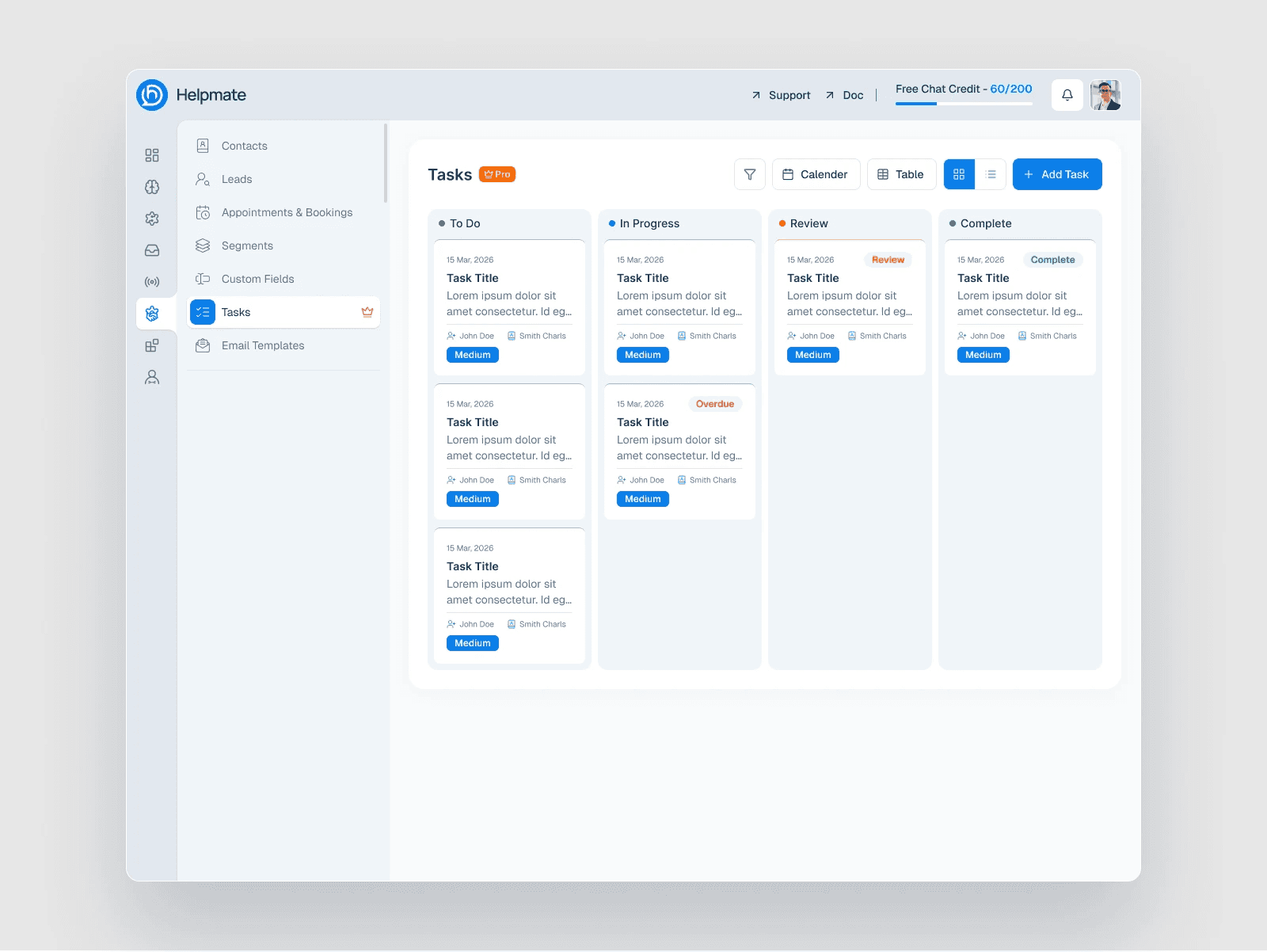
Task Management
Appointment in chat

Order tracking in chat

Appointment & Booking

[
Why this matters
]
The market is eager to merge with AI
AI adoption accelerating
89%
Businesses are investing in AI
Customers expect replies in under 60 seconds, on every channel.
Buyers no longer ask if there is AI, they ask where it is.
[
Finding the gap
]
One column had to look obvious
Capability
AI Assistant
CRM
Unified Inbox
Automation
WordPress Native
Lead Management
Visual Customization
Template Builder
Crisp
Tidio
Helpmate
Opportunity - 01
Be the only WordPress-native unified suite.
Opportunity - 02
Pair AI replies with CRM context, not just FAQs.
Opportunity - 03
Give non-designers a real visual builder.
[
Who we designed for
]
Three people, one platform
Fictional persona created for concept demonstration and UX exploration.

Daniel
Ecommerce Store Owner
Core Needs:
Lower operational overhead
High-level analytics & oversight.
Scalable tech without custom code.
Frustrations:
Fragmented subscription tools.
Hidden customer support bottlenecks.
Jake
Marketing Manager
Core Needs:
Lead capture directly from chat.
CRM and email list integrations.
Data on common pre-sale queries.
Frustrations:
Disconnect between support & sales.
Missed leads during off-hours.

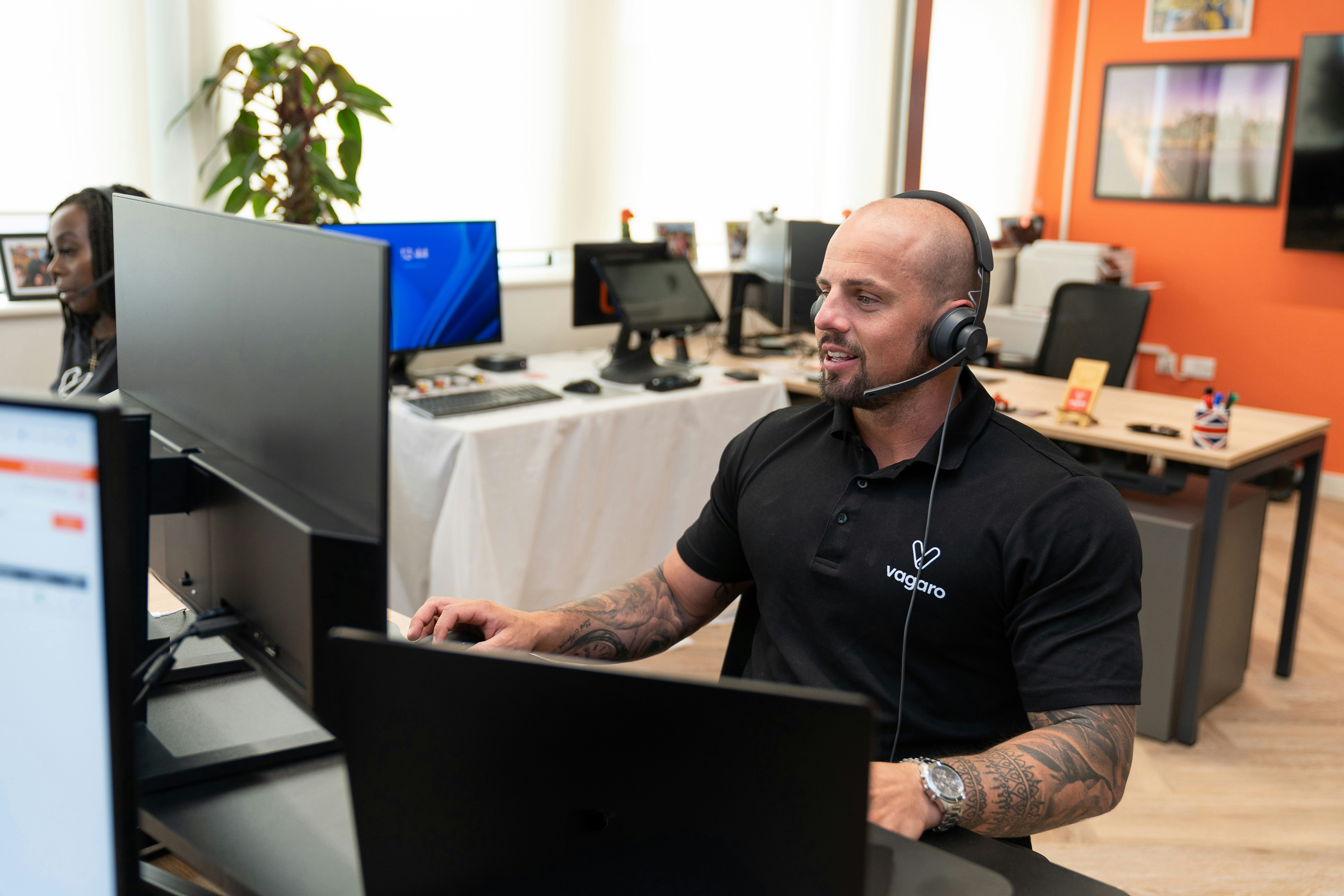
Michel
Support Manager
Core Needs:
One unified, single-screen inbox.
Automated FAQ routing & replies.
Easy ticket hand-offs to staff.
Frustrations:
Constant app context switching.
Manual message tagging.

[
My Role
]
One designer end to end
Branding
Research
Dashboard
Chatbot
UX/UI Design
Workflow organization
Navigation structure
Design systems
Visual hierarchy
Component consistency
Responsive layouts
Prototype
[
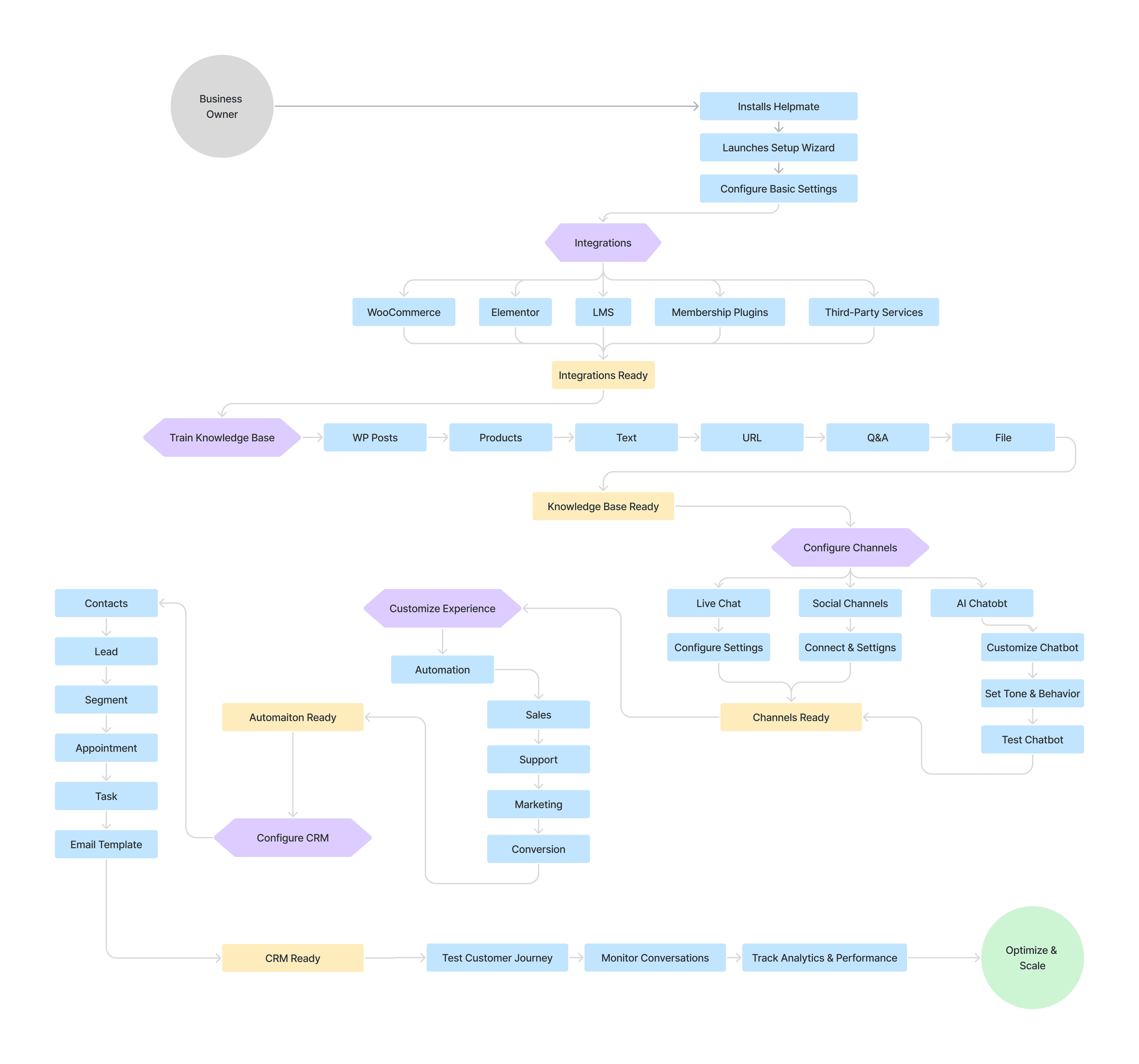
Flow Diagram
]
Mapping the clear journey
[
Information Architecture
]
Many modules, one clear ecosystem
Every tool lives inside a single structured hierarchy.
Helpmate
Inbox
AI
CRM
Live Chat
Social Chat
Automation
Tasks
Analytics
Settings
Global Navigation
Persistent access to every module from one place.
Contextual Workspace
Each module opens in its own focused workspace.
Shared Customer Context
Customer data stays consistent across every module.
[
Wireframing
]
Rough first, Polished later


[
Design foundations
]
Tokens before screens


[
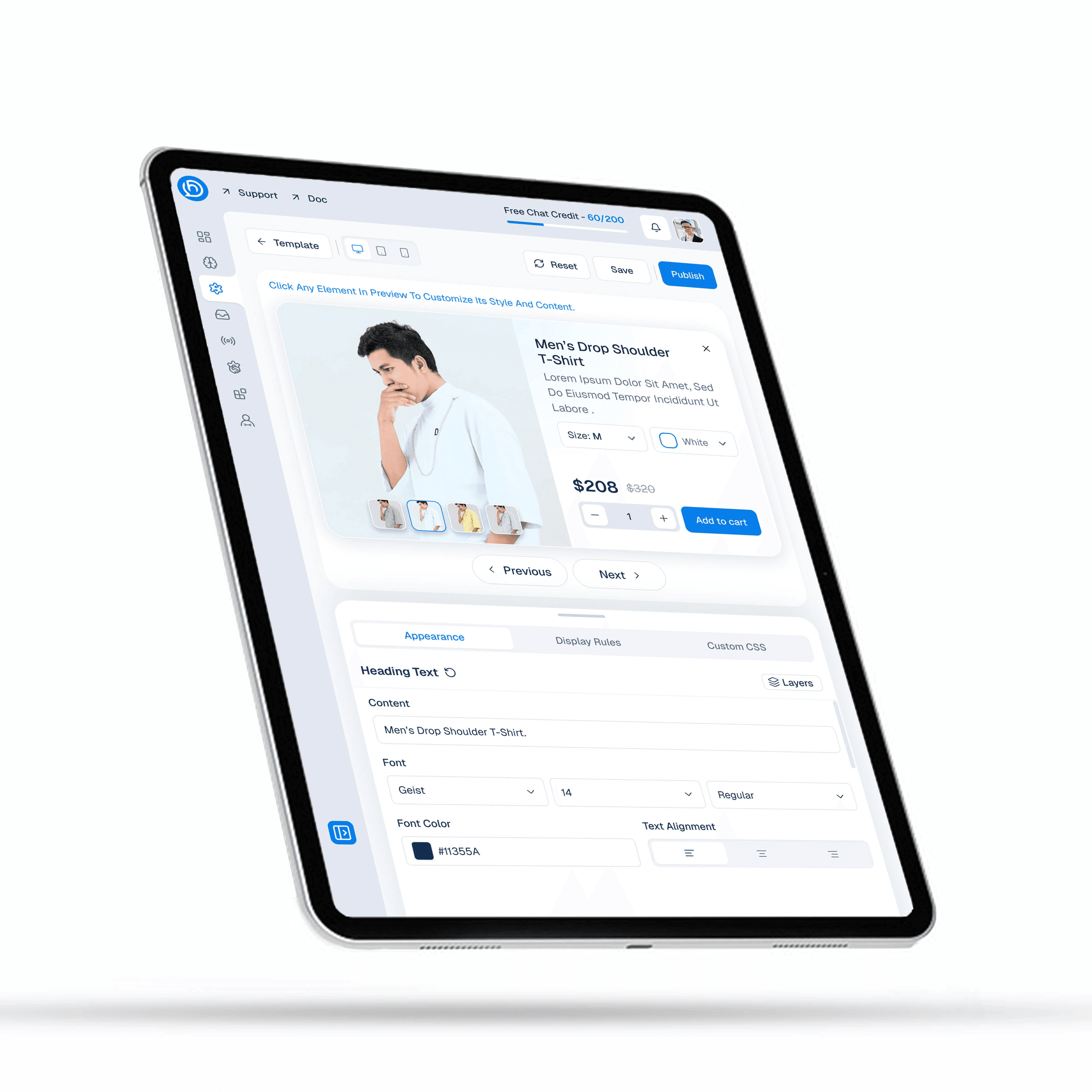
Responsiveness
]
Designed for desktop, refined for tablet

[ PREV ]
[ NEXT ]